AI image prompts, tested & ready
Each prompt comes with an example image, a detailed breakdown of why it works, and tips for customization. Copy, paste, create.
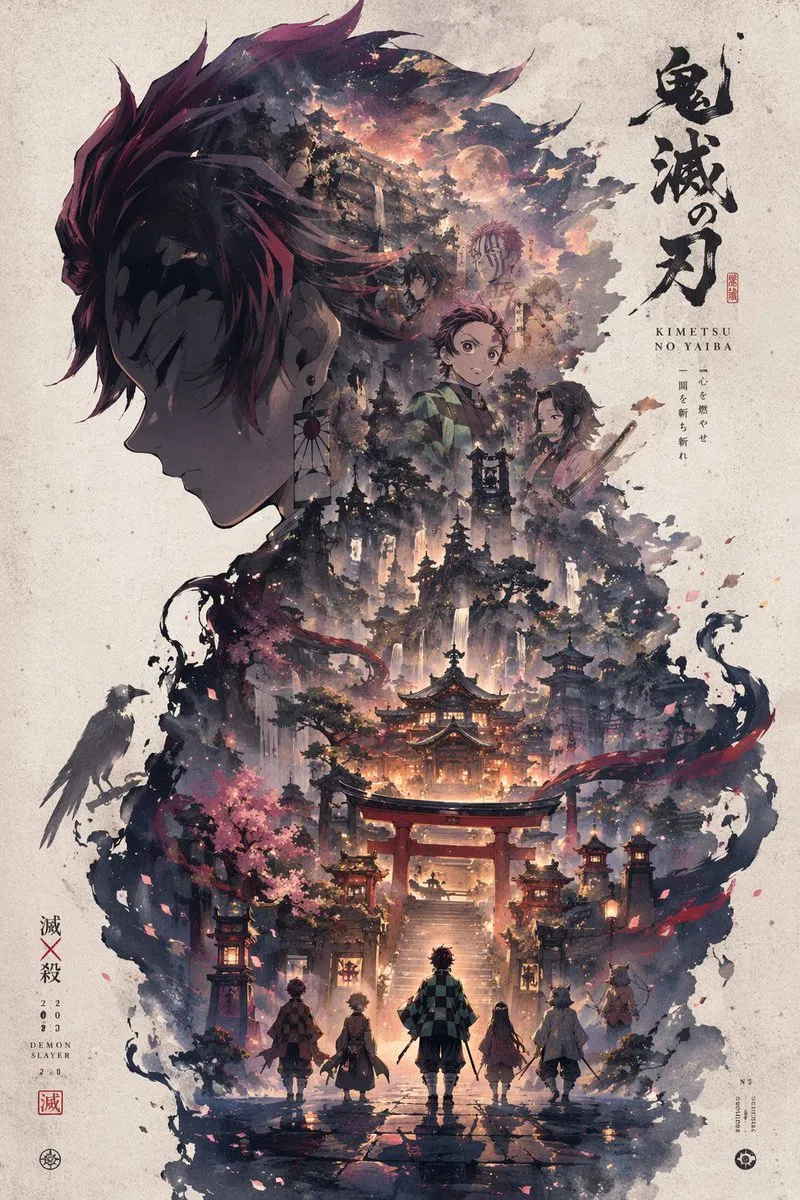
Silhouette Universe Narrative Poster
Automatically generate a high-aesthetic "Silhouette Universe / Collector's Edition Narrative Poster" style art…
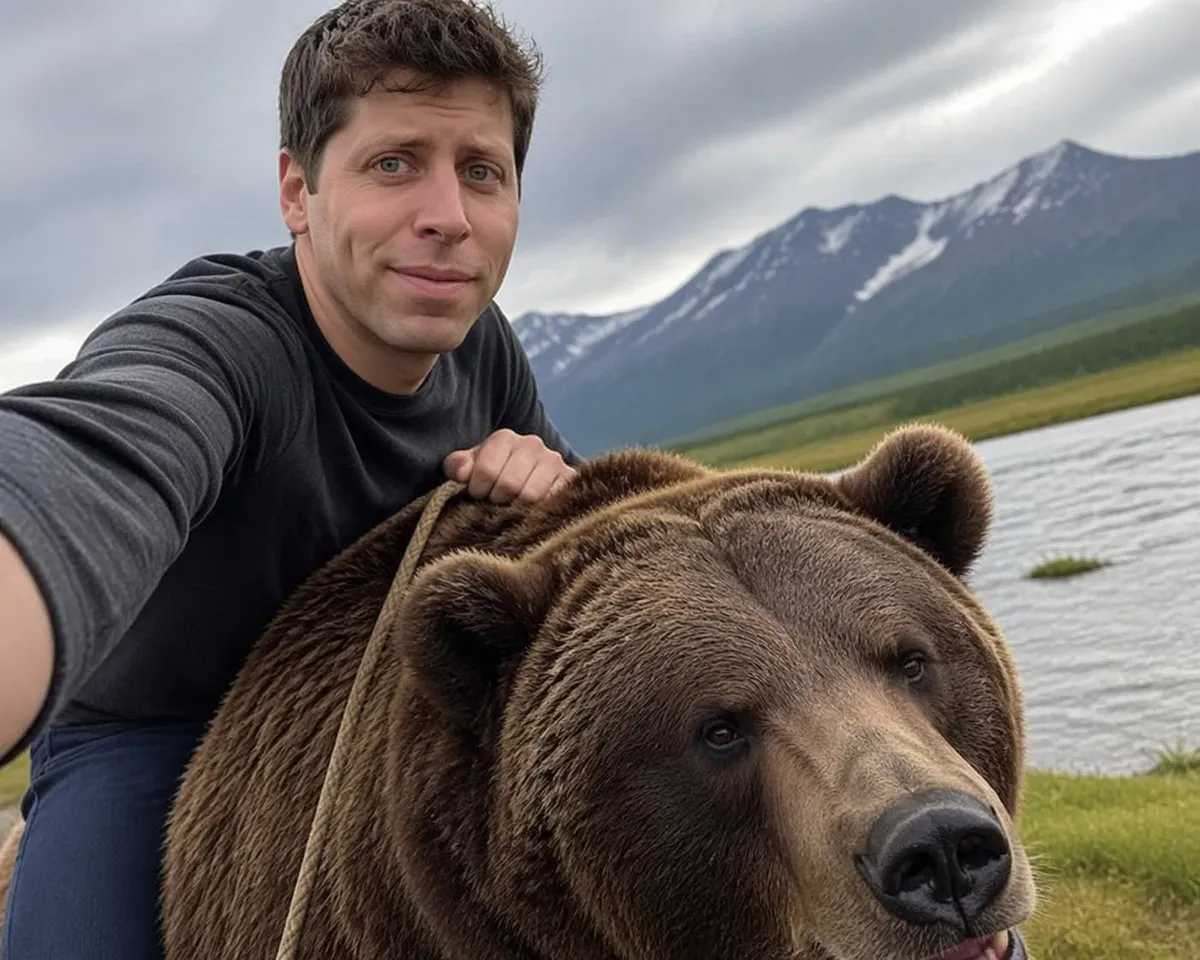
Sam Altman Bear Selfie
generate image: Selfie of Sam Altman riding a bear Edit prompt: Remove the background make it transparent
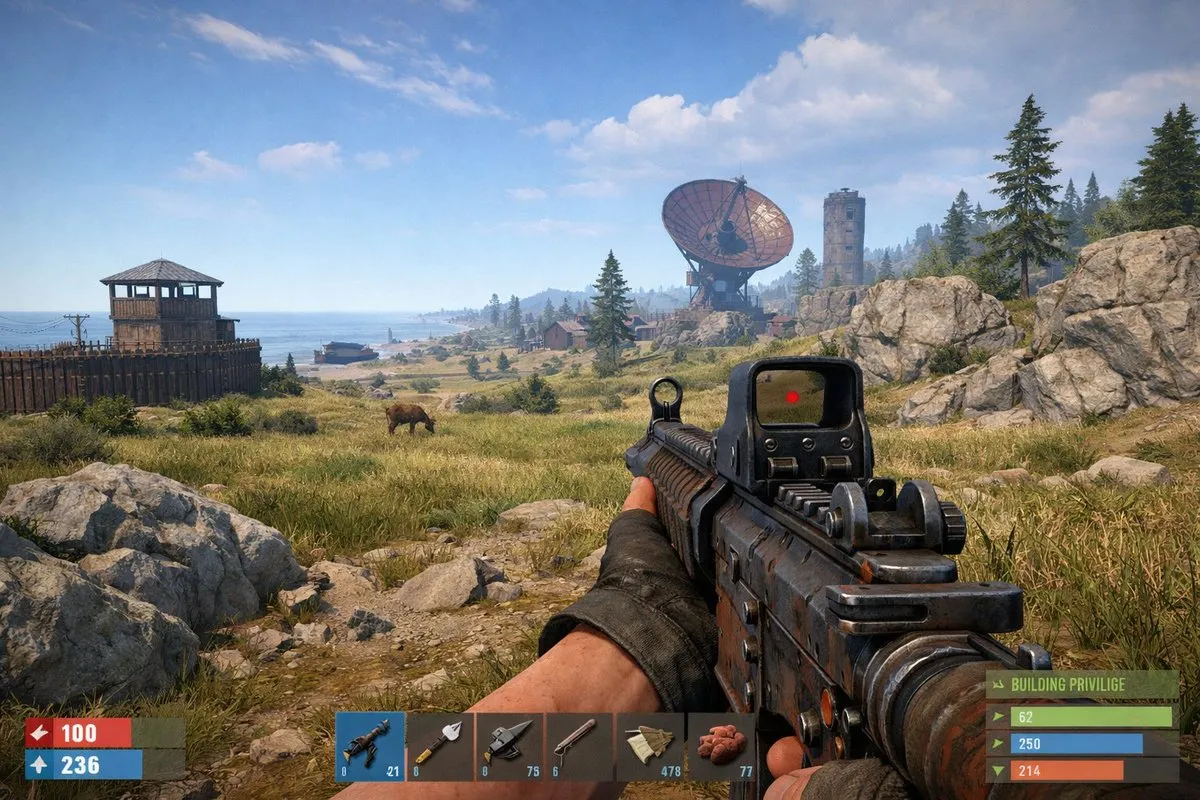
Rust In-Game Screenshot
an ingame screenshot of rust
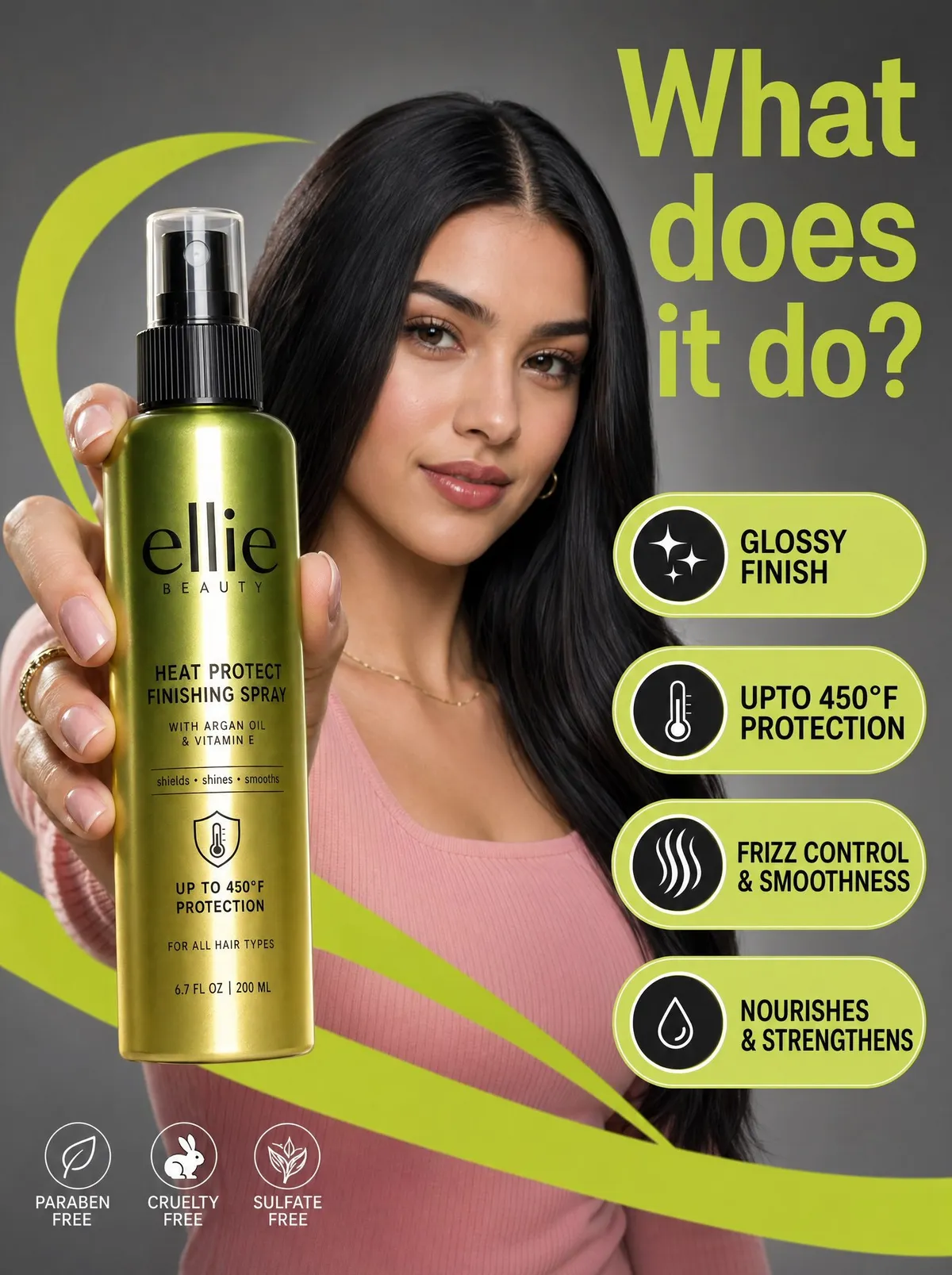
Beauty Product Commercial Marketing Photograph
A high-resolution commercial marketing photograph features a young woman with sleek dark hair and a pink ribbe…
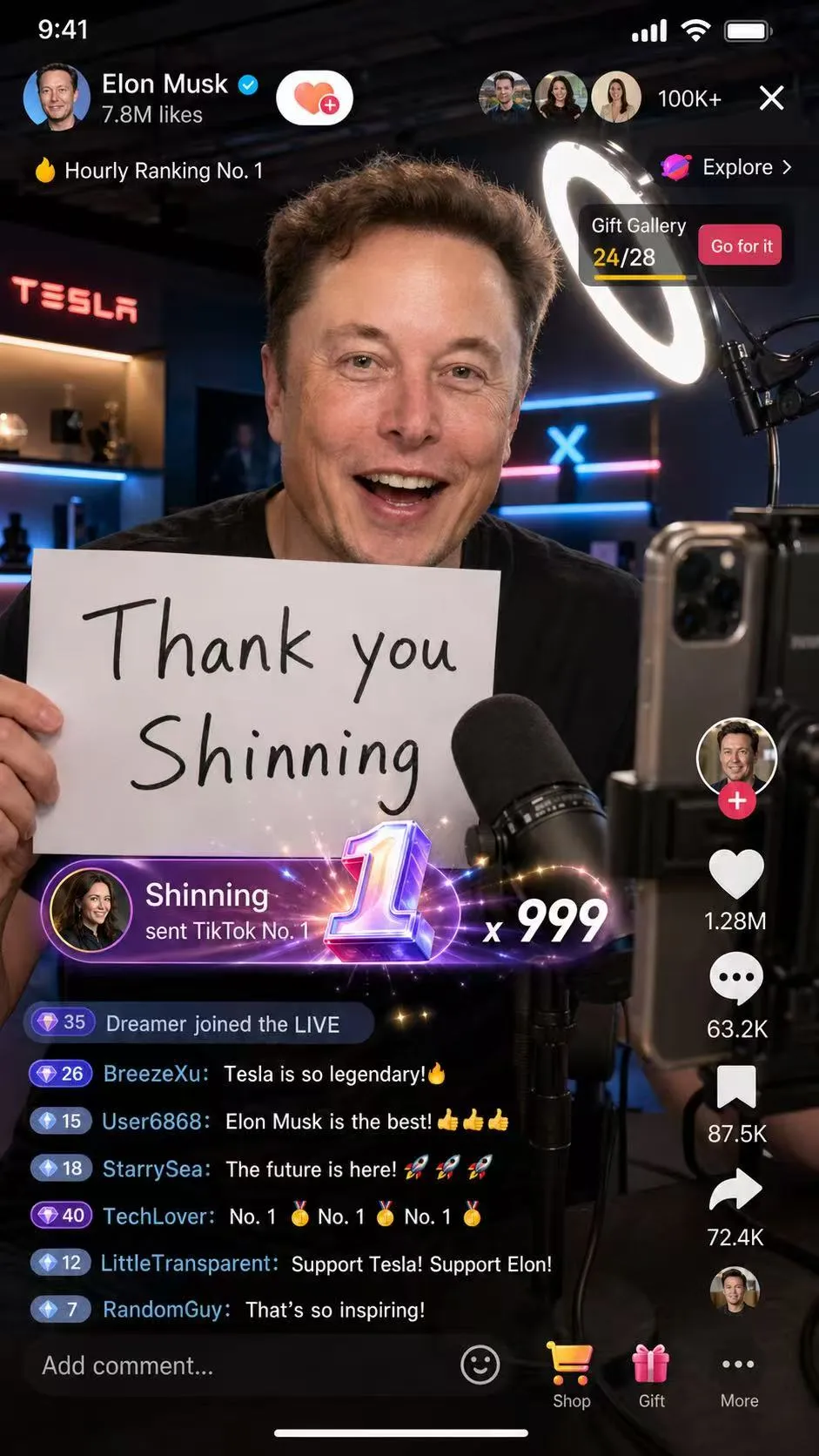
Elon Musk TikTok Livestream Screenshot
Create a 9:16 vertical, high-detail, photorealistic smartphone screenshot of a TikTok livestream. Elon Musk is…
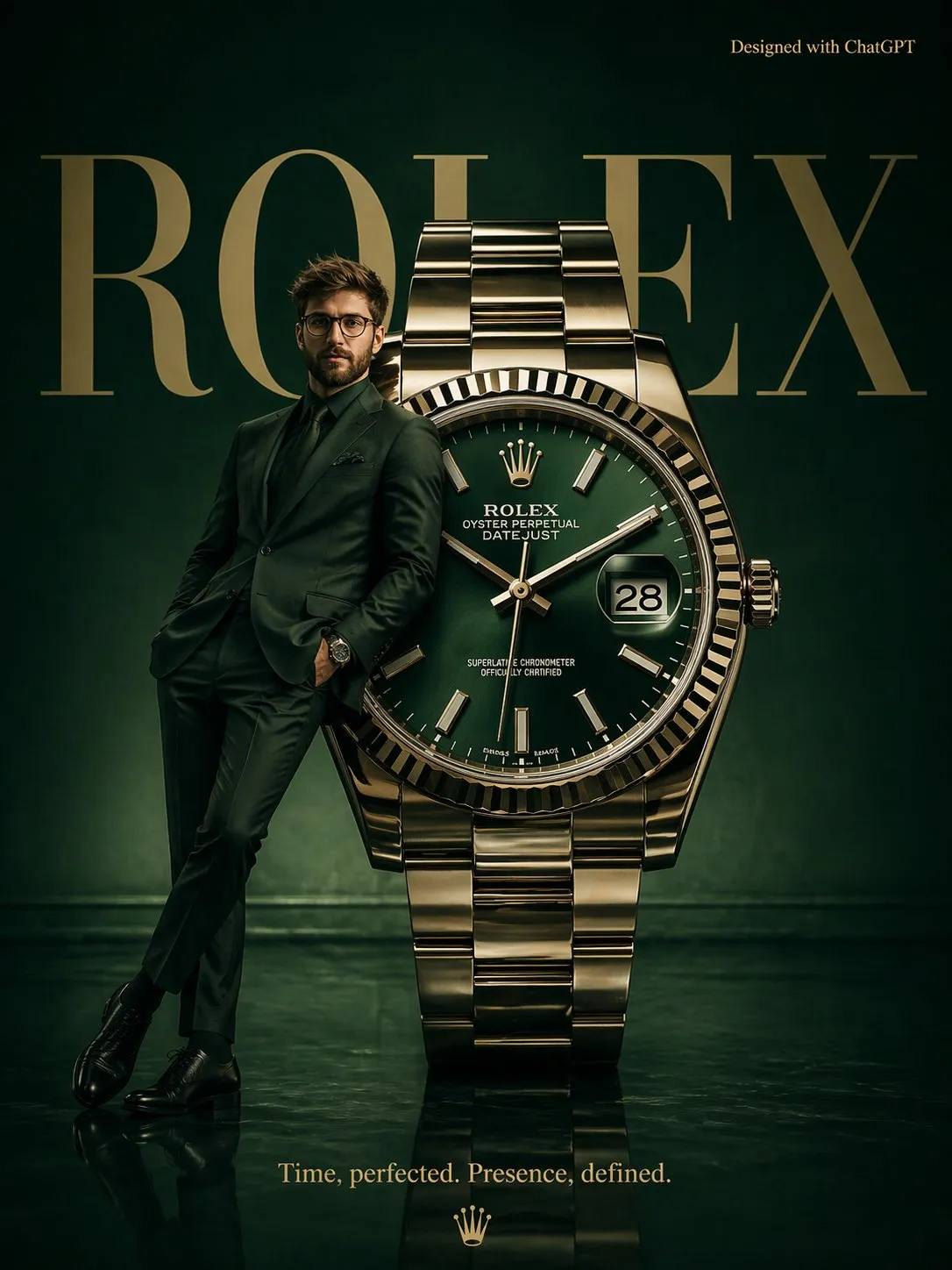
Surrealist Rolex Luxury Watch Fashion Poster
A high-fashion surrealist poster for Rolex. A deep emerald green minimalist studio with a polished reflective…
No AI needed. Just your sketchbook.
Our drawing prompt generator creates complete creative briefs with mood, subject, palette, and style. Over 150 billion unique combinations to spark your next piece.
Find your style
From photorealistic portraits to game concept art — nine categories covering every visual style.
Explore Drawing & AI Prompt Resources
Whether you draw by hand or generate with AI, we have the right prompts and guides for you.
Frequently asked questions
What are AI image prompts?
AI image prompts are text descriptions you feed into image generation models like GPT Image 2, Midjourney, or DALL-E to create specific visuals. A well-crafted prompt includes subject, style, lighting, composition, and technical details — the difference between a generic result and a stunning one. Every prompt in our library is tested and ready to copy-paste.
What is GPT Image 2 and why is it special?
GPT Image 2 is OpenAI’s latest image generation model built into ChatGPT. It excels at following precise text instructions, rendering accurate typography, and maintaining consistency across edits. It’s particularly strong at photorealistic images, UI mockups, and designs requiring text — areas where earlier models struggled.
Can I use these prompts in ChatGPT, Midjourney, and DALL-E?
Yes. While each prompt is optimized for GPT Image 2, most work great across all major AI image generators. Each prompt page shows which models it’s compatible with. You may need to adjust some model-specific parameters (like Midjourney’s --ar flag), but the core description transfers seamlessly.
What is the Drawing Prompt Generator?
Our Drawing Prompt Generator creates complete creative briefs for human artists — mood, subject, palette, style, and optional challenges. With over 150 billion unique combinations across 6 dimensions, it’s designed for traditional artists, illustrators, and anyone who wants to sketch without AI. Choose beginner, intermediate, or challenge difficulty.
Are these prompts free?
Yes, completely free. No sign-up, no account, no paywall. Browse all AI prompts, use the drawing generator, and create. We add new content regularly across all categories.
How do I write a good AI image prompt?
A great AI image prompt has five key elements: a clear subject, a specific style or art direction, lighting and mood, composition details, and technical specifications (resolution, aspect ratio). Our prompts include all of these, and each comes with a breakdown explaining why each element works.
What categories of AI prompts do you have?
We cover nine categories: Realistic Photography, Photo Editing, Character Design, UI/UX Design, Poster & Graphic Design, Infographic & Data Viz, Film & Cinematic, Game Art, and Product & E-commerce. Each category has prompts ranging from beginner to advanced difficulty.
How often do you add new prompts?
We add new prompts regularly, especially as new AI image models launch or existing ones get updates. GPT Image 2 prompts are our current focus, with new prompts added weekly across all categories.
